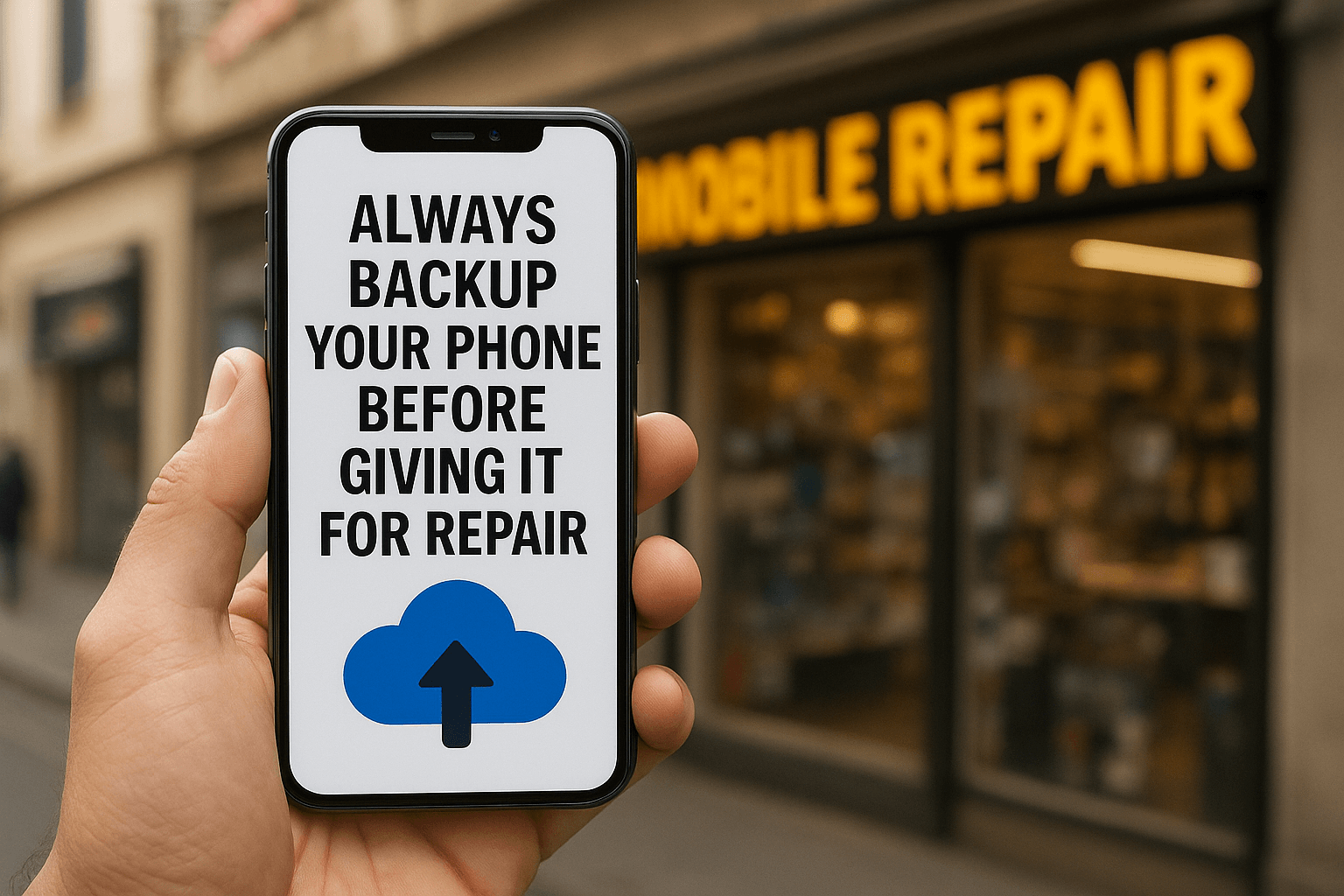
Smartphones have become a crucial part of our lives today. They contain everything from our personal chats, photos, videos, documents, banking apps, passwords, and call history. But when our phones break down and we have to return them for repair, one of the biggest mistakes people make is not backing up their phone data.
In this blog, we’ll explain in detail why you should back up your phone before repair, and how you can easily protect your data.
Why You Should Back Up Your Phone Before Repair?
Here are the key reasons why you should back up your phone before repair:
1. Your Data Is Your Biggest Privacy Concern
When you give your phone for repair, it’s often dismantled and its software or hardware components are inspected. In such a situation, your personal data is at risk of being accessed.
- Your photos and videos
- WhatsApp chats
- Social media logins
- Banking app data
- Saved passwords
If phone data isn’t backed up in advance, the risk increases significantly. Any employee at the service center can view or copy your data.
2. Data Can Be Deleted During Repair
Many times, during phone repair, the technician has to format the device.
For example:
- Software update
- System reinstall
- Fixing a bootloop
- Virus removal
All of these processes can erase your data. Therefore, it’s crucial to backup your phone data before repair to avoid losing any important documents or photos.
3. Hardware Faults Can Cause A Phone To Suddenly Die
Sometimes, the phone can become completely dead even before repair, especially if the problem is with the motherboard or storage chip.
In such a situation:
- The phone will not turn on
- Data will not be extracted
- Recovery will not be possible
If you have previously backed up your phone data, you will not suffer any loss even in such a situation.
4. Reduces The Risk Of Unintentional Data Theft
The risk of data theft has increased significantly these days. It’s not necessarily true that every technician is wrong, but caution is always better.
When you have previously backed up your phone data and factory reset it, then:
- No one can read your chats
- No one can see photos/videos
- No one can access your social media IDs
This completely protects your digital privacy.
5. Useful Even When Buying A New Phone
Many people plan to buy a replacement handset when getting a phone repaired. In such a situation, a phone data backup is very useful for transferring old data to the new phone.
With a Google Drive or iCloud backup:
- Contacts
- Photos
- Videos
- Apps
- Settings
Everything is restored in minutes.
How to Backup Phone Data? (Step-by-Step Guide)
Below are some easy ways anyone can backup phone data in minutes.
1. Google Drive Backup (Android Users)
Settings → Google → Backup
Turn on “Backup by Google One”
Contacts, Photos, and App data all go to the cloud.
This is the easiest and safest way to back up phone data.
2. iCloud Backup (iPhone Users)
Settings → Apple ID → iCloud
iCloud Backup → Turn On
Click “Back Up Now”
iPhone’s iCloud is one of the most secure backup systems in the world.
3. Don’t Forget to Backup WhatsApp
Many people only backup media and forget about WhatsApp.
WhatsApp → Settings → Chats → Chat backup → Google Drive/iCloud
Without this, your chat history may be lost forever.
When Is It Absolutely Necessary To Backup Phone Data
Below are situations where backup is absolutely compulsory:
- Giving your phone for motherboard repair
- Possibility of data loss due to a broken screen
- Phone repair after a water spill
- Boot loop/hang issue
- Software update or reinstallation
Be sure to backup your phone data before every visit to a service center.
What To Do After Backing Up?
Once you’ve completed the backup, do these three things:
- Factory reset your phone: This deletes all your private data.
- Remove the SIM and memory card: Your personal information remains safe.
- Keep only essential apps: So that the technician doesn’t find anything unnecessary in the phone.
“Facing phone issues? Get quick, safe, and affordable repair at NK Mobile Repairing, Gurgaon. Trusted technicians, quality service. Book your repair today!”
Contact Number : +91-9873928995Address: Shop No.12, Kamla Nehru Market, Khandsa Rd, near RAMA HOSPITAL, Model Town, Sector 11, Gurugram, Haryana 122001.
Read Also:
- How to Protect Your Smartphone from Water Damage
- How to Increase Battery Life of Smartphone
- How to Protect Your Mobile Battery from Overheating
Q. Do I need to backup my phone before fixing it?
Before sending your phone for repair, back up everything – photos, contacts, messages, and documents to protect against data loss.
Q. Why is it important to back up your phone?
By not having your phone backed up, should an event occur that results in the destruction, data corruption, or misplacement of your device, you’re not going to be able to easily retrieve your photos, videos, important files, or anything else stored on it.
Q. How to protect data when giving phone for repair?
To protect your data before a phone repair, back up your information, remove your SIM and SD cards, and log out of all accounts.
Q. Is backup the same as copy?
A backup is a type of copy with a specific purpose: to be able to restore part or all of the contents of the copy.
Q. What is a full backup?
A full backup is a complete copy of all selected data, including every file, folder, and system setting, from a specific point in time.
Conclusion
Backing up your phone data before returning it for repair is not just an option, but a digital responsibility. This not only keeps your data safe but also maintains your privacy. Data is as precious as anything today, and keeping it safe should be part of our habits.
So the next time you take your phone to a service center, be sure to backup your phone data first—this will keep your digital life safe.