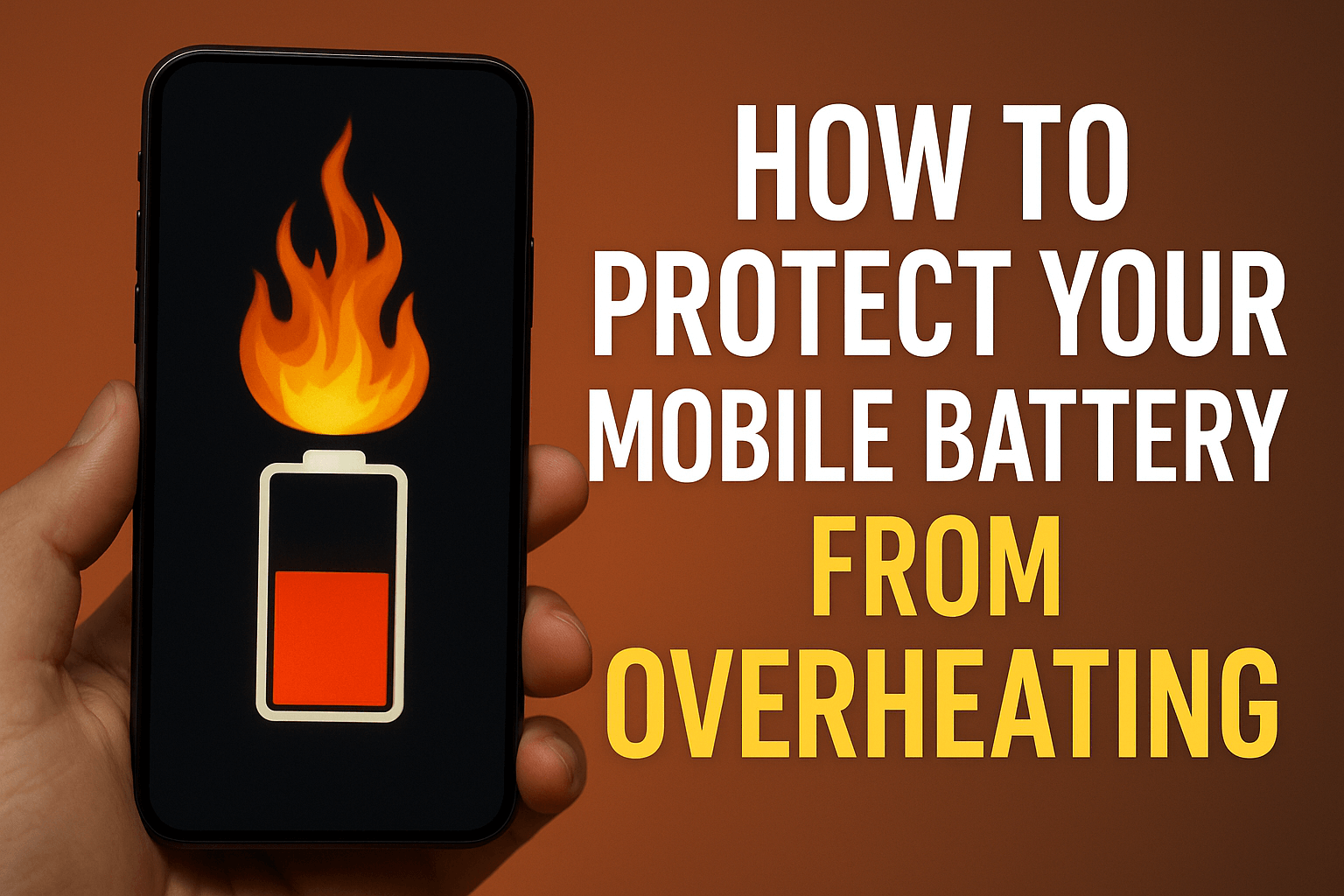
Mobile phones have become an integral part of our lives today.Work, entertainment, banking, and studying everything is done through them. But as mobile phone usage increases, a growing problem is also emerging mobile battery overheating. Frequently overheating batteries can damage your phone and negatively impact its performance.
In this blog, we’ll explore how to protect your mobile battery from overheating.
What Is Battery Overheating?
When a mobile phone’s temperature exceeds the normal range, it’s called overheating. Normally, the phone’s temperature should be between 30°C and 40°C. However, if it reaches 45°C or higher, it’s harmful to both the battery and the phone. Therefore, it’s important to learn how to protect your mobile battery from overheating.
Main Causes of Mobile Battery Overheating.
There are many reasons for mobile battery overheating. Some common causes include:
- Continuously charging your mobile phone
- Using a local charger instead of the original charger
- Playing games or videos for extended periods
- Leaving too many apps open in the background
- Using your mobile phone in a hot environment
- Old or damaged battery
Most of these causes are manageable, so it’s important to understand how to protect your mobile battery from overheating.
Effective Ways to Prevent Mobile Battery Overheating
Here are some tips to prevent mobile battery overheating:
1. Don’t Leave Your Mobile Phone on Charging For Too Long
Many people leave their mobile phone charging overnight.This causes the battery to continue heating up and shortens its life. Try to remove the charger as soon as it’s fully charged. This is the easiest way to protect your mobile phone from overheating.
2. Use Only The Original Charger And Cable
Every mobile phone’s charging capacity varies. Local chargers or counterfeit cables put additional strain on the battery, increasing heat. Always use the original charger for your mobile brand.
3. Close Background Apps
When multiple apps are running simultaneously, the load on both the processor and battery increases. This is a major cause of overheating. Periodically closing background apps is essential to protect your mobile battery from overheating.
4. Keep Your Mobile Out of Direct Sunlight
Using your mobile phone in hot weather or sunlight can cause it to heat up quickly. Try to keep your phone out of direct sunlight and use it in a shaded or cool environment.
5. Limit Heavy Gaming And Video Usage
Continuously playing high-graphics games or watching videos for long periods of time can increase your phone’s temperature.This increased pressure on the battery reduces its capacity. Use your phone frequently, taking frequent breaks.
6. Pay Attention to Software Updates
Mobile overheating is sometimes caused by software bugs. If your mobile isn’t installing updates released by the company, there could be a system glitch. Therefore, always keep your mobile updated. This is also an effective way to protect your battery from overheating.
7. Turn Off Unnecessary Features
Features like Wi-Fi, Bluetooth, location, and hotspot, if left on constantly, put an extra strain on the battery. Turning these off when not needed not only increases battery life but also helps protect your battery from overheating.
8. Choose The Right Mobile Case and Cover
A thick or airtight mobile cover prevents heat from escaping, causing the phone to overheat quickly. Always choose a cover that provides ventilation so heat can escape easily.
9. Get Your Mobile Serviced
If your mobile is frequently overheating, it could be a sign of an internal problem. In such a situation, get a checkup done by a professional mobile repair shop, like NK Mobile Repairing.
10. Identify the right time for battery replacement.
If your mobile is old and loses charge quickly, it’s possible that the battery is damaged. An old or swollen battery is a major cause of overheating. In such a case, replacing it immediately is the best solution.
11. Never Use Your Mobile While Charging
This is a very common but dangerous habit. When you use your mobile while charging, the battery is put under double stress charging on one hand and discharging on the other. This causes the mobile’s temperature to rise rapidly. It’s crucial to change this habit if you truly want to protect your mobile battery from overheating.
Read Also:
Frequently Asked Queations (FAQs)
Q. What is the 30 90 rule for battery?
Ideally, you should charge your phone when its battery level drops to around 20-30% and unplug it once it reaches 80-90%. There’s no specific number of times you should charge your phone in a day; it depends on your usage. Just avoid letting the battery drain completely and frequently charging it to 100%
Q. What kills cell phone battery life?
Background apps: Apps running in the background, even when you’re not actively using them, can drain your battery. Closing unused apps can help conserve power. Connectivity: Keeping Wi-Fi, Bluetooth and mobile data enabled when you don’t need them uses battery power. Turn them off when not in use to save energy.
Q. Can I cool my phone in the fridge?
No, you should not put your phone in the fridge to cool it down because the rapid temperature change and moisture from condensation can cause permanent damage to the internal components. Instead, move the phone to a cooler, shaded area, and if possible, place it near a fan to cool it slowly and safely.
Conclusion
Mobile phones are a vital part of our daily lives, and their batteries are their lifeblood.If you want your mobile to perform well for a long time, it’s crucial to follow these tips. Always remember that with a little caution and proper care, you can easily protect your mobile battery from overheating.
If your mobile phone is frequently overheating or the battery is discharging quickly, bring it to NK Mobile Repairing.
“At NK Mobile Repairing, we believe smart care begins with a cool battery — protect your mobile battery from overheating and keep your phone running strong.”
Contact Number : +91-9873928995Address: Shop No.12, Kamla Nehru Market, Khandsa Rd, near RAMA HOSPITAL, Model Town, Sector 11, Gurugram, Haryana 122001.

Great tips! I didn’t realise that charging habits affect battery heat so much.
Thanks for making these tricks easy and straightforward.